Turn your long videos into scroll-stopping clips
ClipMix is an AI clip maker for Android that finds every moment worth posting in a long video and hands it back to you as a captioned clip, in the format that works best on each platform: vertical, square, 4:5 or horizontal. Ready to polish on your phone. Your videos stay yours.
- 30 free min a month
- No sign-up
- Captions in 6 languages

It watches your whole video.
And keeps what hooks.
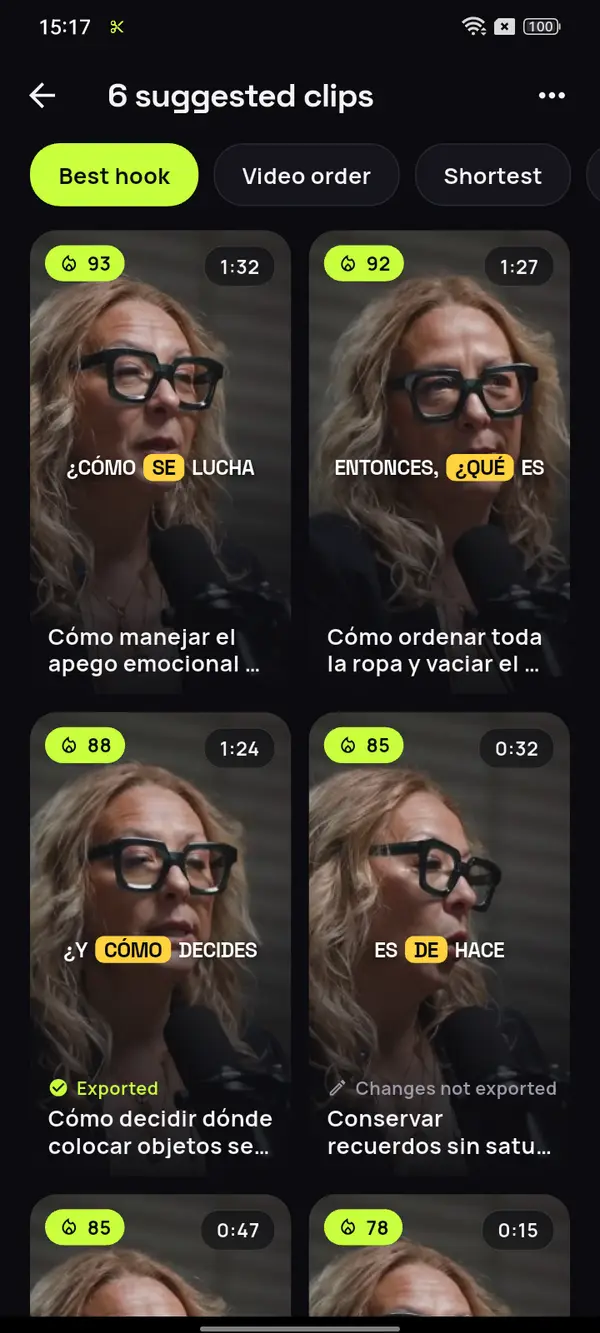
This is a real 85-minute podcast in Spanish, one of the 6 languages ClipMix captions on its own. The AI goes through the entire video and pulls out every moment that stands on its own, vertical and captioned. All of them, not a fixed number.








12 clips ready to review
- Analyzing your video
- Picking the moments with a hook
- Getting your clips ready
You only have to tidy up once
You only wear the clothes you see
Hangers that all match
The elevator syndrome
Video: “Experta en Orden”, by Zoom Out Podcast, licensed under CC BY 3.0. Trimmed, reframed, captioned and translated. Zoom Out Podcast is not affiliated with ClipMix. Illustrative example with real moments from the original video.
What do you make?
There's a page for you.
Whatever the format: if you record long videos, there are clips inside them that deserve to be seen on their own.

YouTube Shorts
Every Short hiding in your long video, straight from the original file.

Grow your channel
Which moments to clip from each video and how to spread them so people find you.
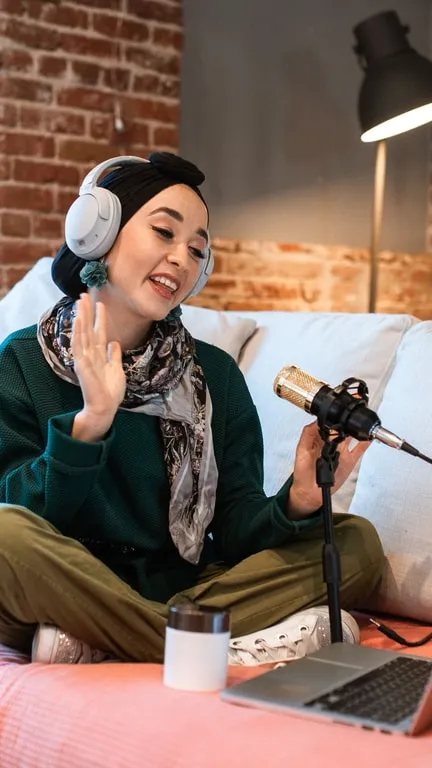
Podcast clips
The moments in each episode that stand on their own, with every face in frame.
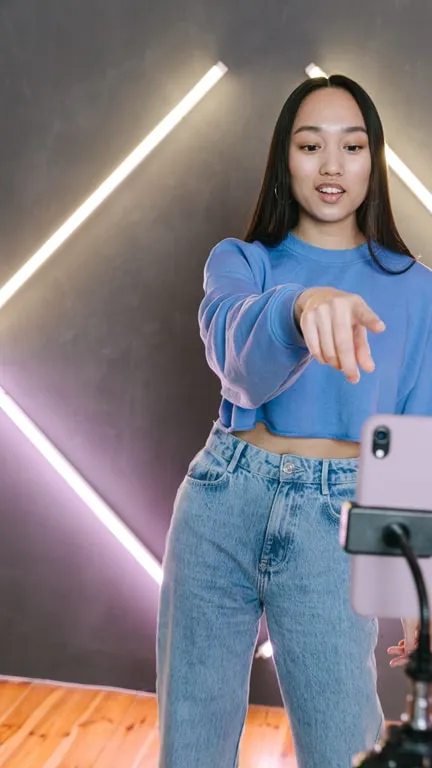
TikTok clips
Your long video split into clips with a hook, ready for the TikTok feed.

Instagram Reels
The moments in your long videos, as Reels that make sense with the sound off.

Webinars and talks
Every idea from a webinar, talk or class, in a clip that stands on its own.
From long video to clips
in three steps.
Pick the video
The original file you already have on your phone.

The AI finds the clips
Every moment worth posting, cut at the end of a sentence and scored for its hook.
Polish and export
Tweak the cut, the framing and the captions offline. They're saved to your gallery.
Everything a clip needs,
on your phone.
Every clip worth posting
The AI goes through the whole video and suggests every moment that stands on its own, from 10 s to 3 min and cut at the end of a sentence. No fixed number.
Horizontal to vertical
Turn a horizontal video into 9:16 without cutting anyone out: the frame follows the face. Auto (face), Fixed, Fit or Manual modes.
Auto captions
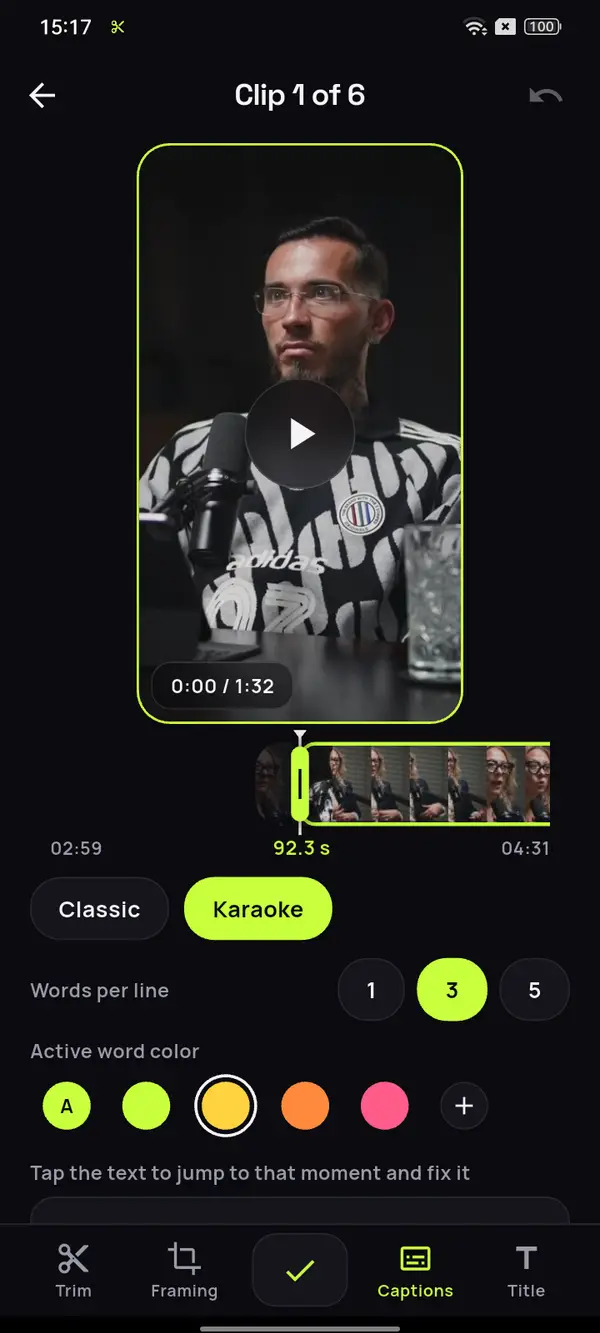
In 6 languages, detected on their own, karaoke style with the spoken word in color and 1, 3 or 5 words per line. Fix any word before you export.
Offline editor
Adjust the cut by a few seconds, the framing and the captions on your phone, without depending on a connection.
Four formats
9:16 for Shorts, TikTok and Reels; 4:5 or 1:1 for the feed, and 16:9 if you want it horizontal. One per project.
Exporting never uses minutes
Minutes are only used when you analyze a video. Exporting a clip, and exporting it again after a tweak, doesn't cost a single one.
What happens to my videos?
Your videos are yours alone. We never publish them or sell them, and the video files we use to create your clips are deleted from our servers as soon as you download the clip, or within 24 hours at most. All the details are in our privacy policy.
How much does it cost?
You get 30 free minutes a month to analyze your videos. For more, there's a subscription or minute packs. Exporting never uses minutes.
Do the clips have a watermark?
Free clips are exported after watching an ad and carry the ClipMix logo in the bottom-left corner. With a plan or a minute pack, none of them carry a watermark or an ad.
Does it work for TikTok, Shorts and Reels?
Yes. Clips come out vertical 9:16 at 1080×1920, the format of TikTok videos, Instagram Reels and YouTube Shorts. If you also post to the feed, choose 4:5 or 1:1 for the project.
How many clips does it get from each video?
Every one that makes sense, with no fixed number. Each one lasts between 10 seconds and 3 minutes and ends on a full sentence. You choose which ones to export. If you post on YouTube, see how long a Short should be.
Which languages do the captions come in?
English, Spanish, German, French, Italian and Portuguese. You can fix any word before exporting.
Does it work on a computer?
No. ClipMix is an app for your Android phone: you pick the video from your gallery and edit it right on the phone.
Do I need to sign up?
No. You start using it without creating an account. If you reinstall the app on the same phone, you get your minutes and your purchases back.
How do I delete my account?
You can delete it from the app. If you no longer have it installed, we explain how on the account deletion page.
Guides
How to Add Subtitles to a Video on Android
Two ways to caption a video on your phone, how many words to show at once, where to place them and what to check before you post. Step by step on Android.
How Often to Post Shorts (and How Many a Day)
How to spread one long video's clips across the week, which order to post them in and how to lead each one back to the full video. No magic number: a plan.
How to Make Podcast Clips That Bring in Listeners
Which parts of an episode work as a clip, how many to cut from each one and how to send viewers to the full episode. A practical guide for video podcasts.
Your next long video
already has its clips.
Download ClipMix and get every clip out of your latest video. 30 free minutes a month.
Get it free